We’re shipping faster
than ever
We’re releasing new features 5x faster than in 2025, delivering 8+ customer dirven launches every month. And we’re only just getting started.
October 2026

AI Content Podcasts
Thrive's AI content podcasts work like an AI podcast generator for training, turning any mixed content item into a two-voice podcast, a bulletin or a read-through.
Kiki Content Review
Thrive's Kiki content review is an AI content review tool that checks learning content against your organisation's standards, from tone of voice to learning goals.
Content Rating
Thrive's content rating is a five-star learner feedback tool that lets learners rate mixed content and leave a private note, showing authors what's working.
Content Creator Pages
Thrive's Content Creator Pages let authors split one piece of content into multiple navigable pages, building structured, multi-step learning without one endless scroll.
Content Creator by Default
Thrive's Content Creator is now the default way to create files, articles, elearning, links and quizzes, opening with the right block ready to go.
September 2026
Import Learning History
Super Admins can now copy completions and CPD records from one learner profile to another, no support ticket needed.
Improvements to Pathway Content Picker
Pathway builders can now search, filter and add multiple content items in one go, with visual previews to confirm they've picked the right asset.
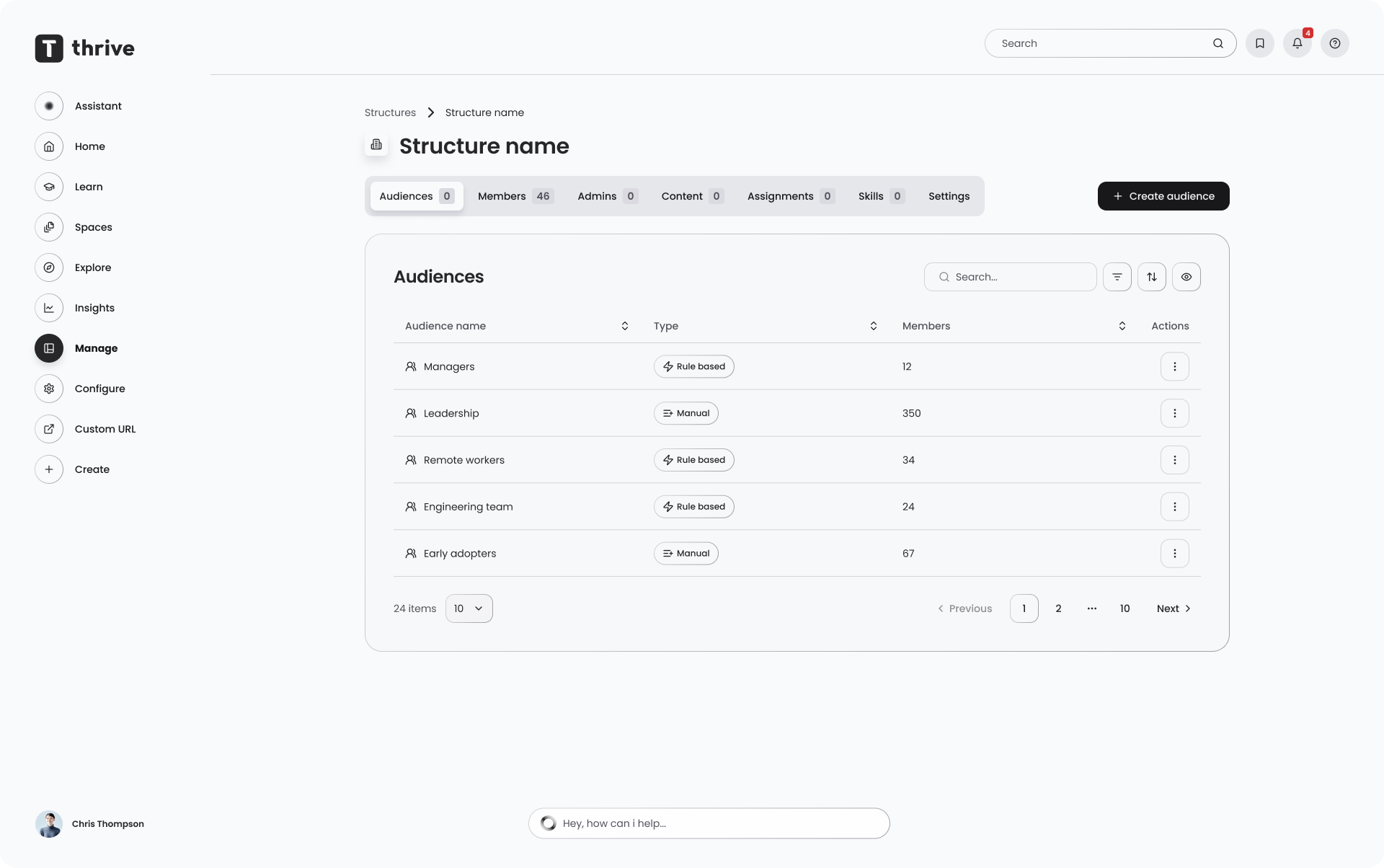
Structures and Audiences UI Uplift
A visual and workflow uplift to Structures & Audiences, with a new overview, global search, and simpler creation flows.
Percentage-Based Pathway Completion
Admins can now set a completion threshold, so a pathway is marked complete once a set percentage of content is finished, not every item.
Organisation Default Theme
Admins can set a Light, Dark or System default theme for their whole organisation, while employees can still choose their own.
August 2026
Bulk Event Enrolment & Manager Enrolment Improvements
Managers can now enrol their team on events independently of whether learner self-registration is switched on.
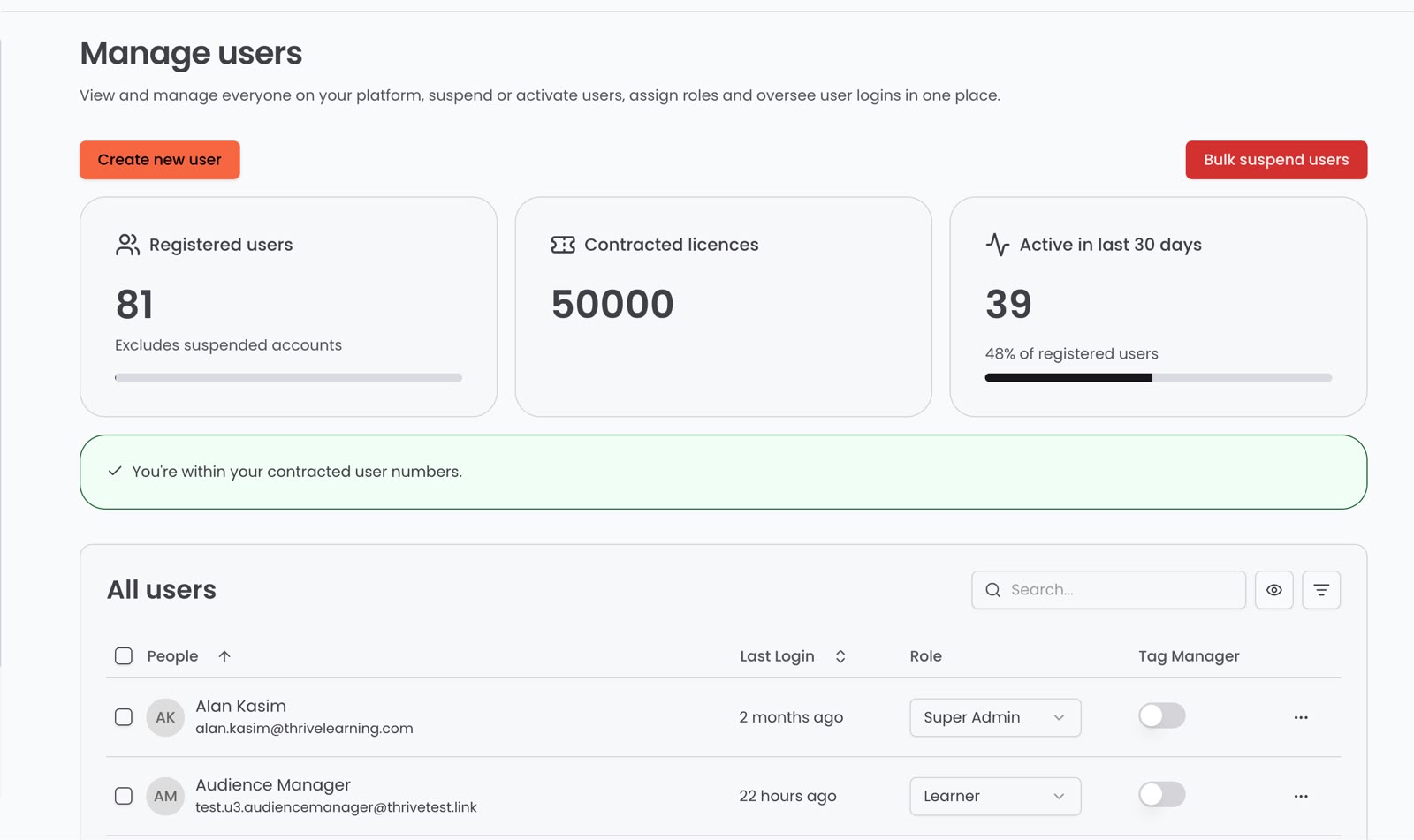
Licence Insights on the Manage Users Page
Admins get a clear view of registered users against contracted licences directly on the Manage Users page.
Configurable & Required User Fields
Admins can now hide non-essential fields and mark custom fields as required on the Create User form.
HTML Block with AI
Content creators and Space admins can now generate custom HTML blocks from a single prompt, without leaving Thrive.
Multi-Language File Alternatives
Authors can now upload language-specific versions of file-based content, like PDFs and videos, within the same content item.
July 2026
Reporting on use of CPD
CPD activity now shows up in Thrive's Insights dashboard, giving L&D teams a full picture of what's being logged, on and off platform.
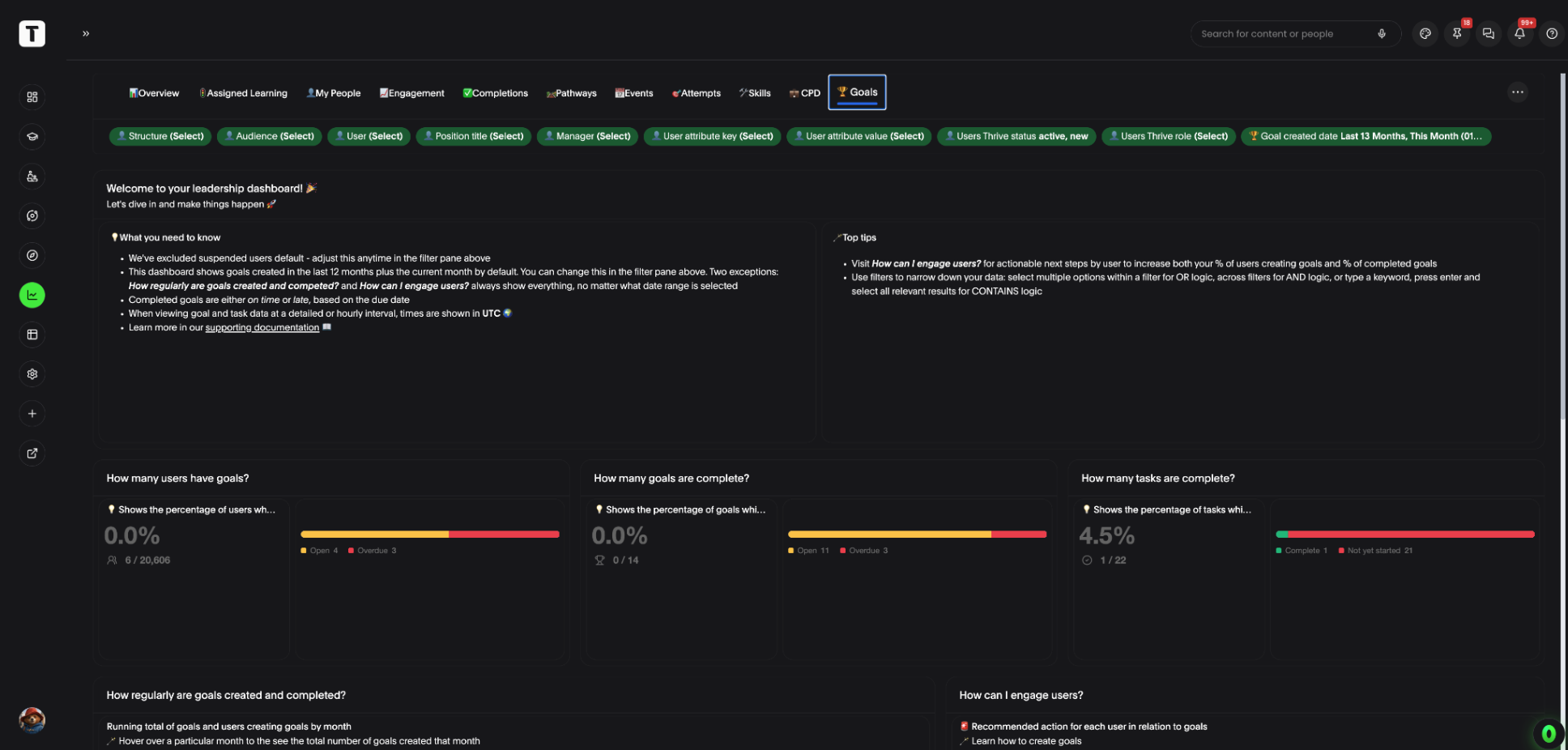
Reporting on Use of Goals
A new Goals section in Insights shows completion rates, progress and team adoption, so admins can see whether goals are actually being achieved.
Bulk Content Management: Grant Access
Admins can now select multiple content items and grant audience or user access to all of them in a single action.
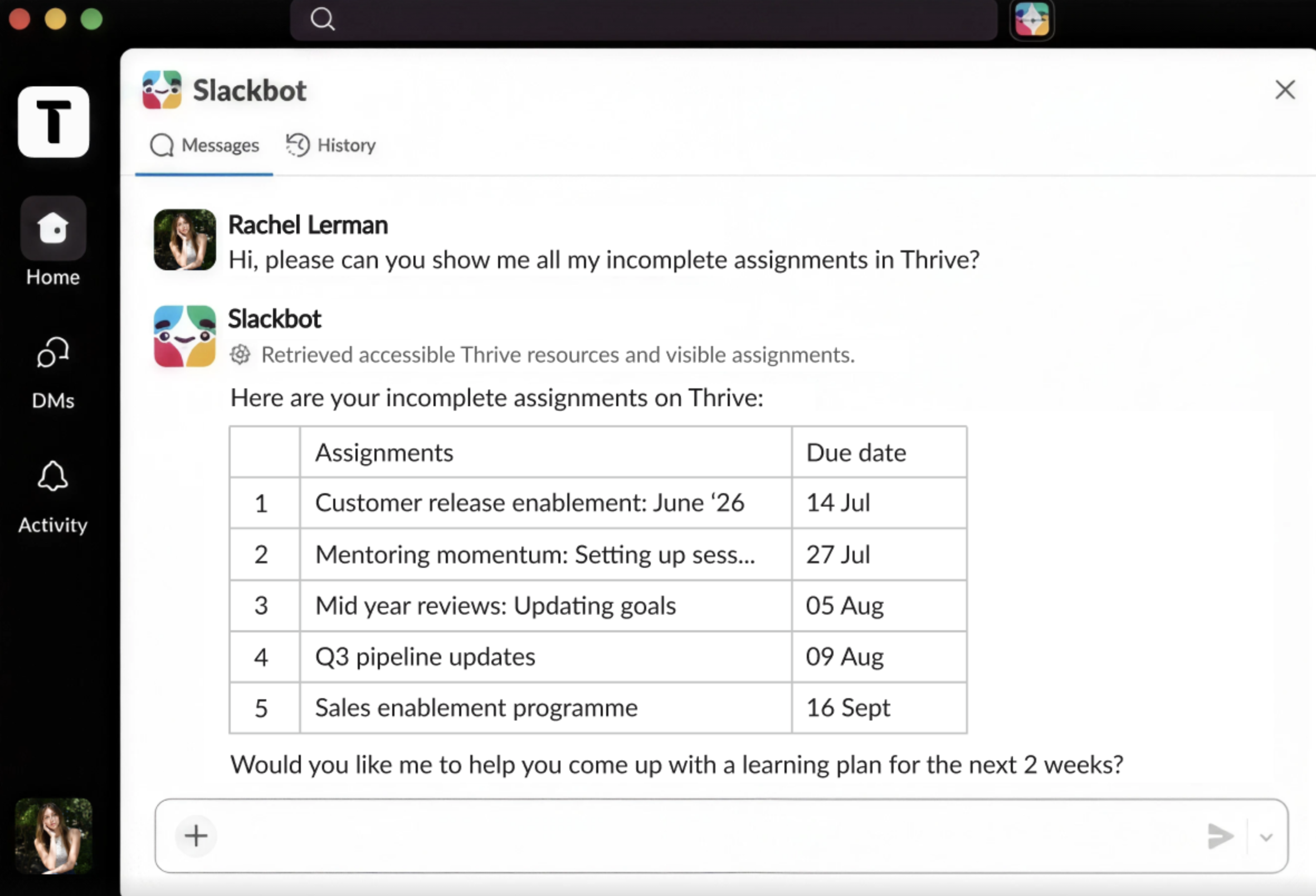
Slack's AI Assistant Now Connects to Thrive's MCP
Slack's own AI assistant can now connect to Thrive's MCP, letting teams find content and take action in Thrive from inside Slack.
Broadcast Content Removal
Broadcast, a legacy content type disabled for creation last year, has now been fully removed from the platform.
June 2026
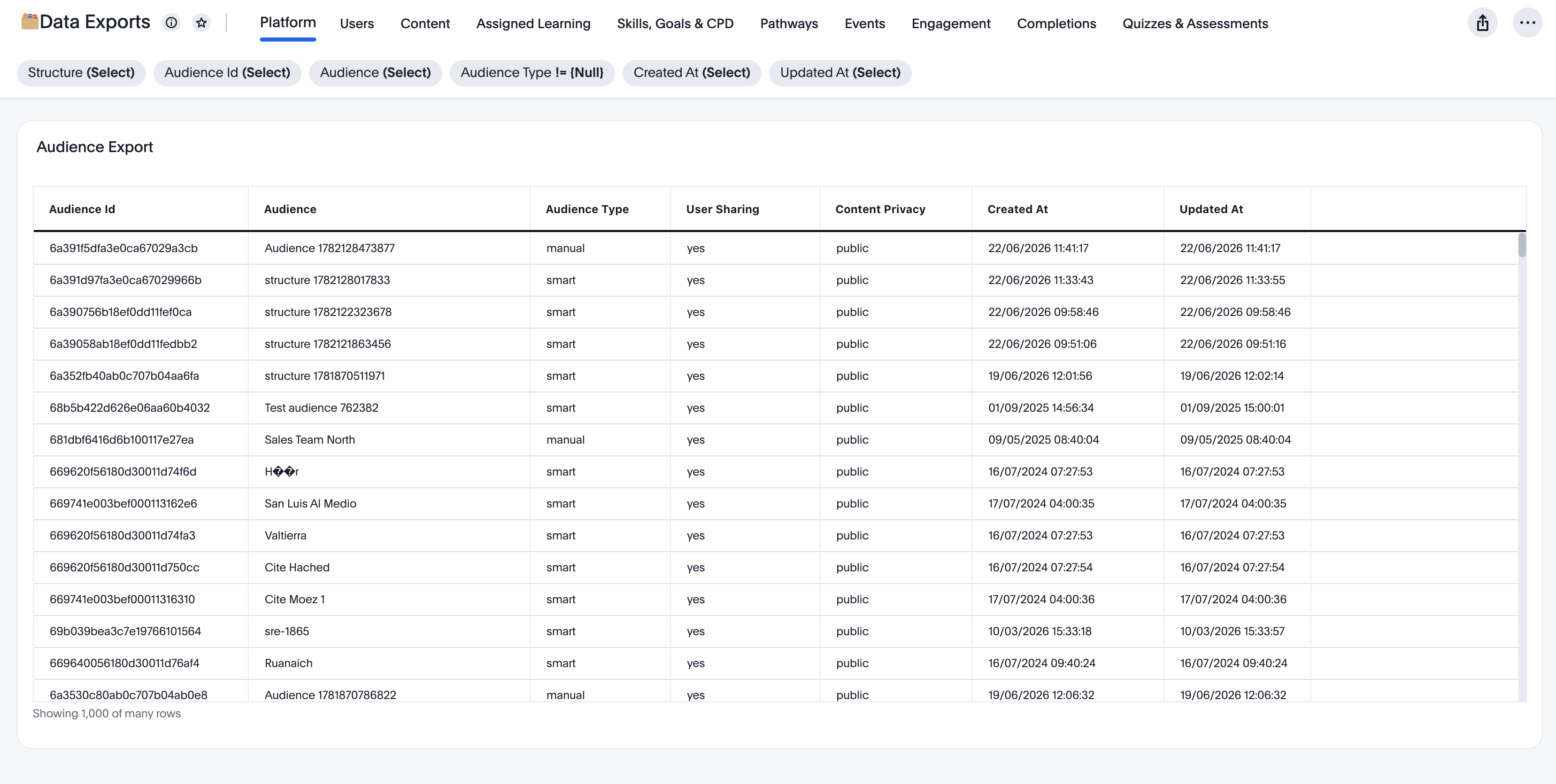
Self-Service Support Reports for Super Admins
Super Admins can now export key platform reports directly from Insights, on demand or on a schedule, without contacting Thrive.
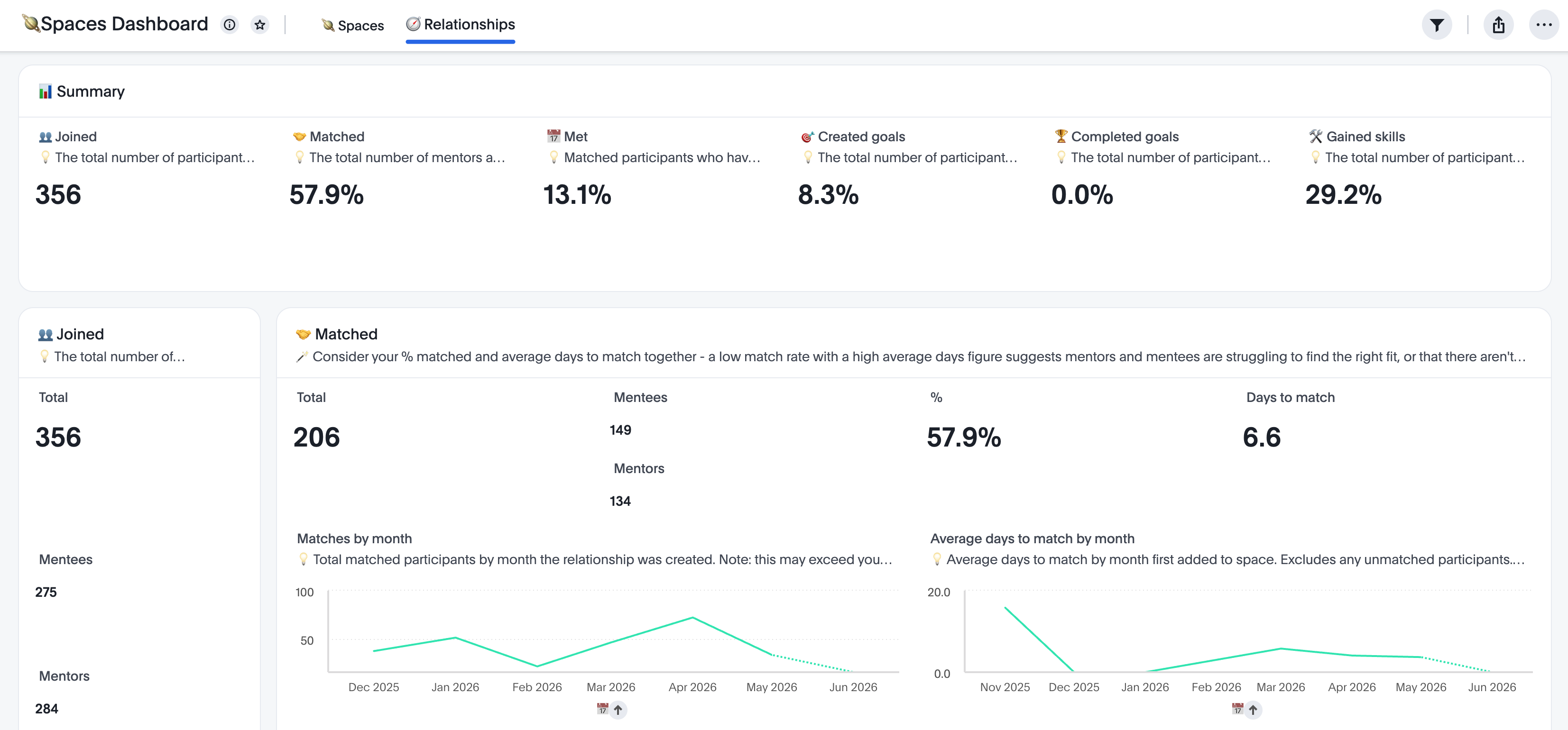
Reporting on Use of Mentoring
A dedicated Mentoring dashboard in Insights shows participation, matching activity and goal progress across a mentoring programme.
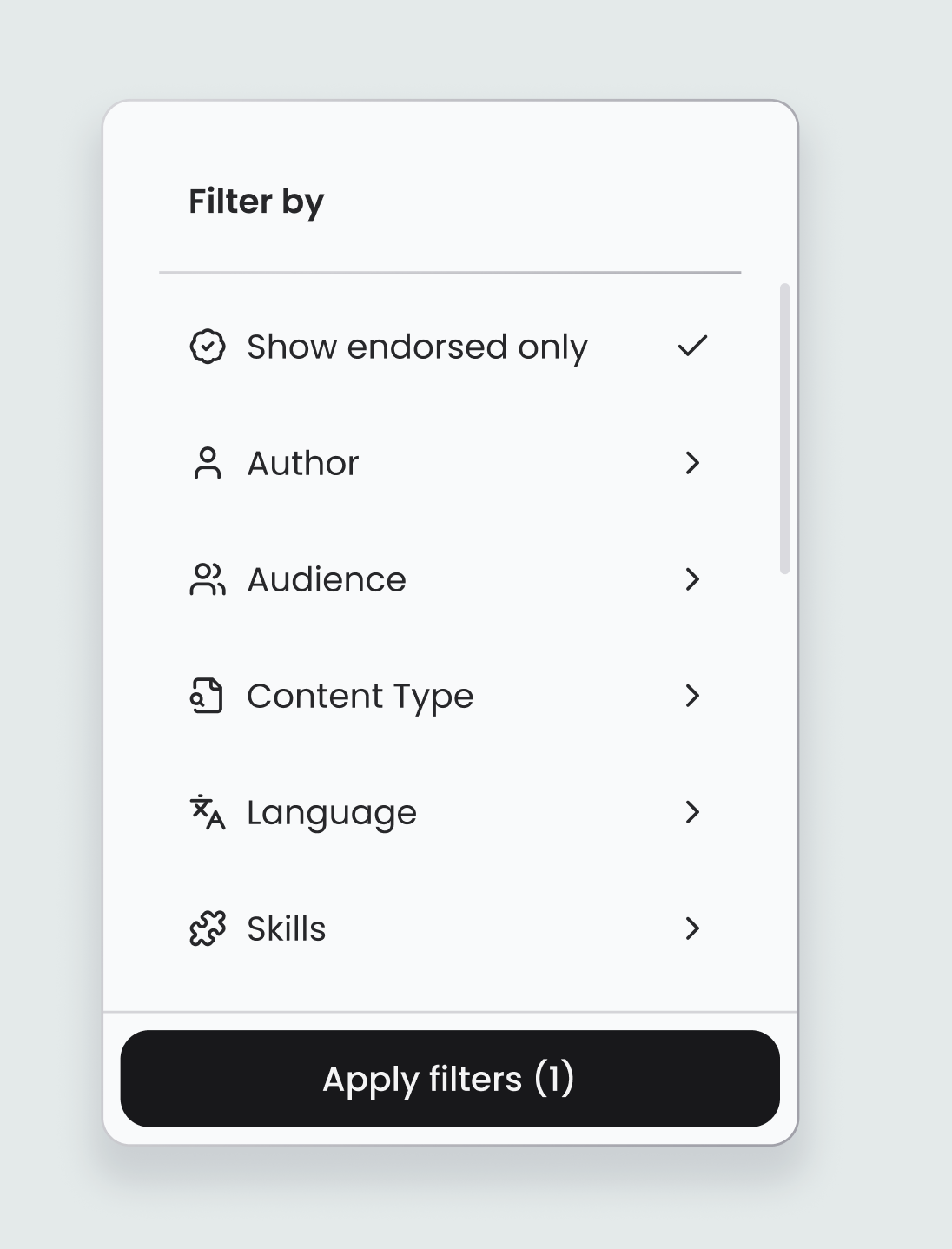
Manage Content: Advanced Filtering
Admins can now filter all platform content by author, audience, content type, language, skills, topics and endorsed status.
Thrive MCP: Full Release
The Thrive MCP server is now generally available, letting customers connect Thrive to their AI tool of choice.
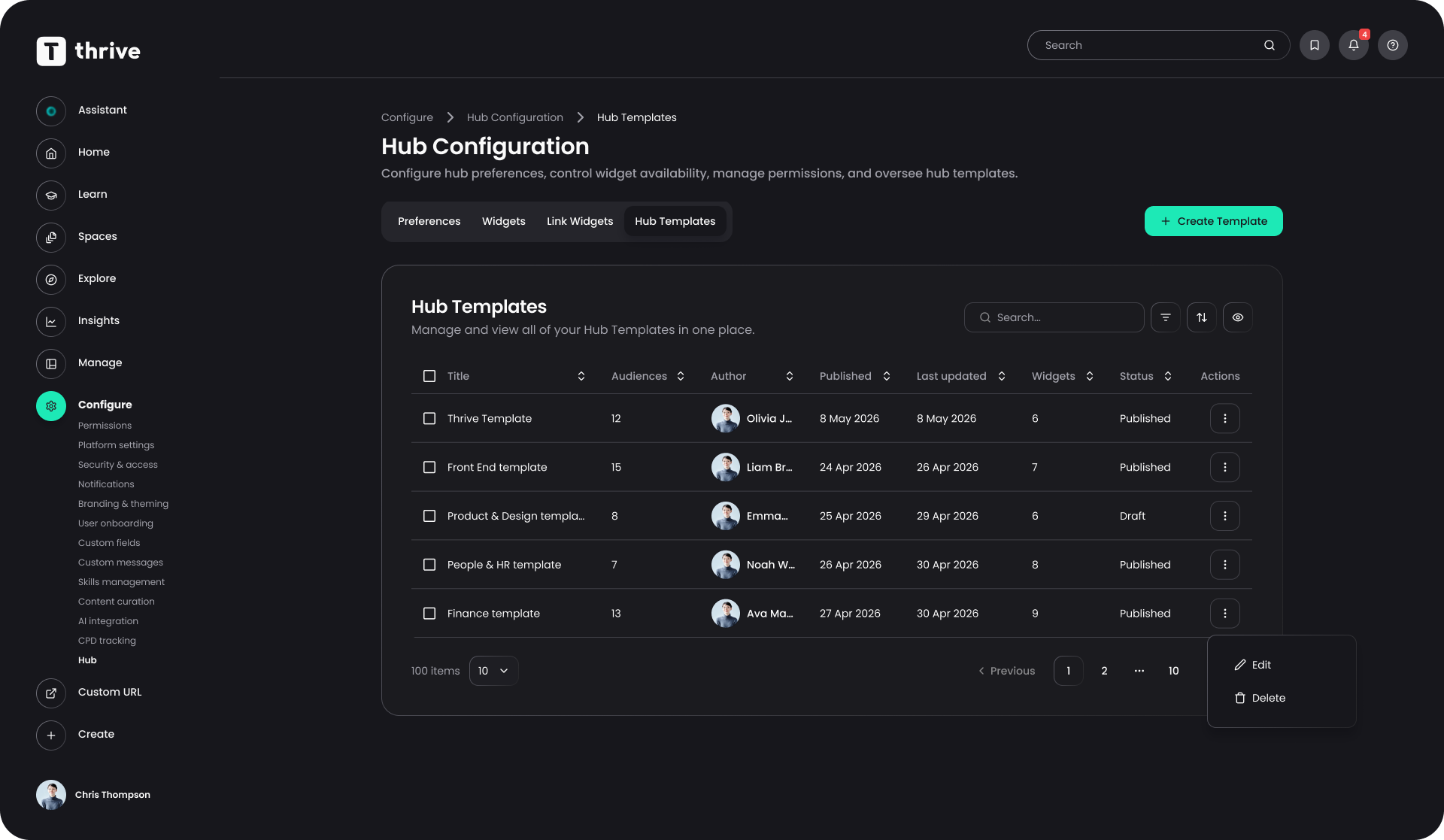
Hub Admin Templates
Admins can now build default and audience-specific Hub templates so every user gets a relevant Hub from their first login.
May 2026
Bulk Content Management: Tagging with Topics & Skills
Admins can now apply topics and skills tags to hundreds of content items in one action, directly from the content management table.
Mentoring on Mobile App
Thrive's mentoring capability is now available on the native mobile app, covering the full journey from onboarding to session management.
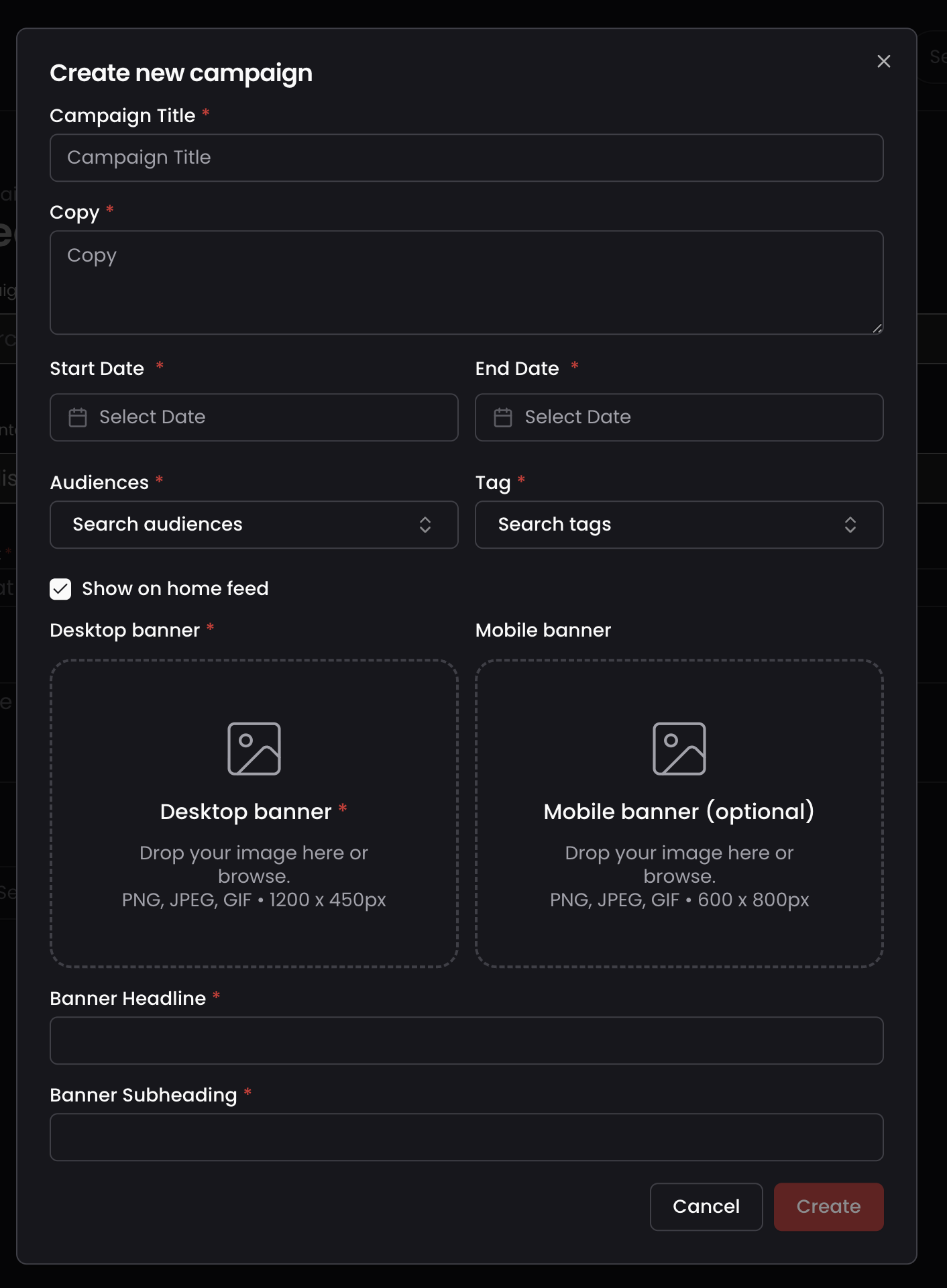
Mobile Campaign Banner
Admins can now upload a dedicated mobile-optimised banner for Campaigns, so learners on mobile get a properly formatted visual.

Split Topics, Skills and Collections
Topics, Skills and Collections now have their own dedicated pages and navigation, separated from the old combined Tags area.
Spaces Milestone 12: Draft Mode for Published Pages
Editors can now save changes to a published Spaces page as a draft and republish only when ready.